How Wolfgang Meckem used
Lumion to connect learning and
real-world design
Meet Wolfgang
Project Designer and dedicated Lumion Pro user, Wolfgang Meckem discovered the software in college and has relied on it ever since. From developing his personal portfolio to visualizing professional projects, Wolfgang’s journey with Lumion Pro captures his passion for communicating architecture through striking visuals.
We spoke with him about how he’s integrated Lumion Pro into every stage of his career—from school to real-world application—building out an impressive portfolio of projects that helped him secure a role at a leading architectural, planning, and interior design firm.
Hi Wolfgang! Tell us a bit about yourself and your current role.
After growing up on the West Coast and graduating from the University of Oregon’s Architecture program, I wanted to explore and experience a new part of the country, so I moved across the United States to Boston and started working for a firm called Lavallee Brensinger as an Architectural Designer.
I do a lot of architectural work there and specialize in design and visualization, so I regularly use Lumion, Photoshop, and all the tools that make the creative side of architecture so fun.
At what point did you first discover Lumion?
I started using Lumion Pro in my sophomore year of college, and that is when I became very interested in visualization. It allowed me to present my ideas the way that I intended to instead of just using BIM programs, and it let me dive deeper into actually showcasing my work.
As I gained interest in Lumion Pro, I started tutoring other students as well, especially in presentation and portfolio creation. Right before I joined my current role, I taught the 3D visualization department of a large real estate marketing firm how to use the software.
Do you remember the first thing that excited you about using Lumion Pro?
Materiality, for sure, and being able to adjust it. Putting it into Lumion Pro and seeing the colors, shadows, and materiality, I was thrilled to see that things could work like that! That was my introduction to being enthusiastic about it.
After that, it was the people and atmosphere, and animations, too. I felt able to just immerse myself into the 3D realm and walk through it at a realistic rate. I'm a very detail-oriented person, so being able to look around at every single corner of my BIM model was a huge step in design for me.
How long did it take you to get up and running with Lumion Pro initially?
It was very quick. I took a class, and by the end of it, I had updated all of my previous projects in my portfolio to be renderings from Lumion Pro. It was zero to 100 in a matter of months.
As I gained interest in Lumion Pro, I started tutoring other students as well, especially in presentation and portfolio creation. Right before I joined my current role, I taught the 3D visualization department of a large real estate marketing firm how to use Lumion Pro.
How are you using Lumion in your work today, and what does your typical workflow look like?
I mostly use Lumion’s solutions for work, but I’ll also open it up for portfolio projects just to keep my creative energy going. My workflow usually starts pretty simply and builds up in layers.
Early on, I lean a lot on diagrams to understand and communicate the core idea of a project before getting too caught up in details.
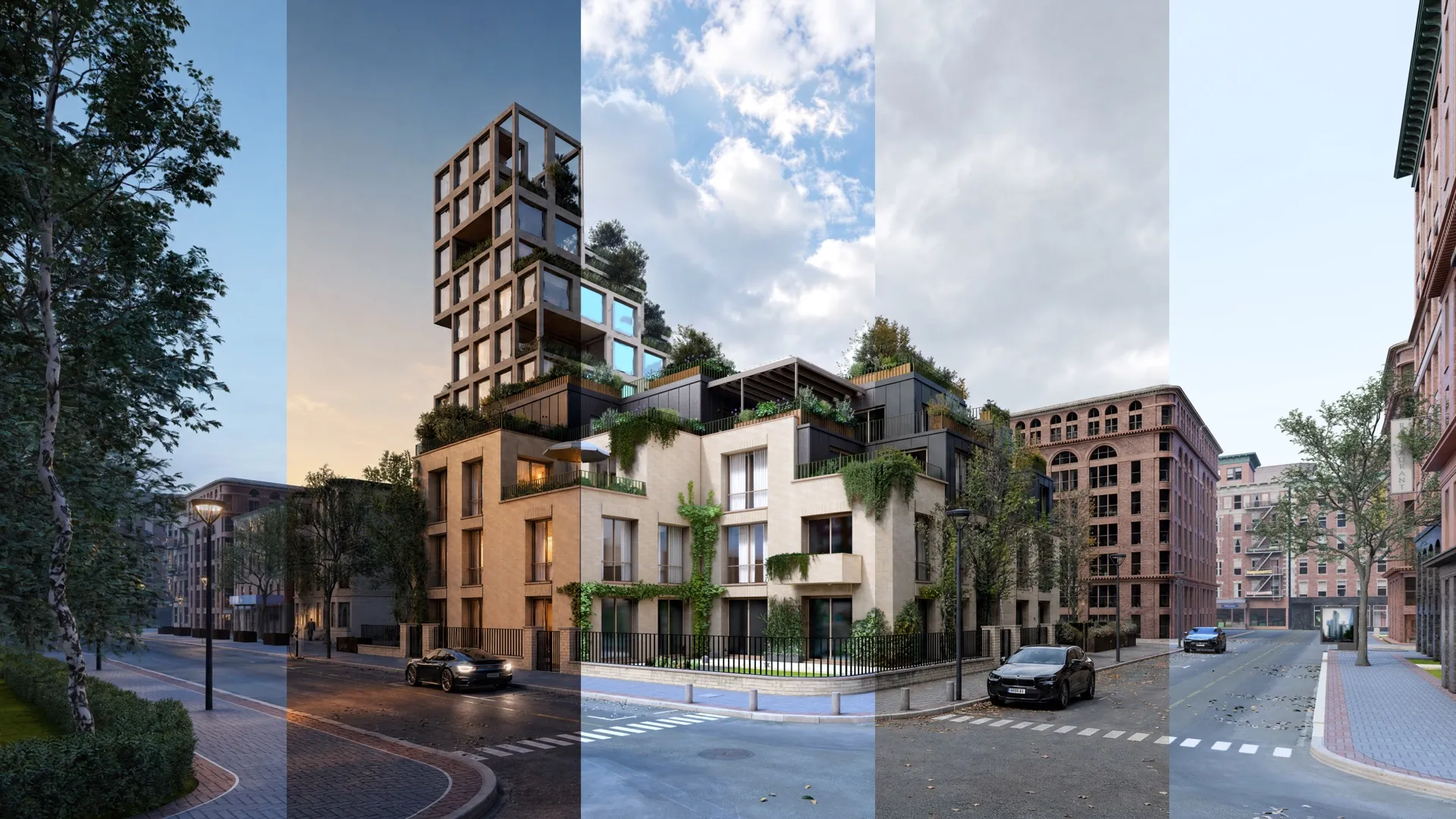
That’s where Lumion View for Revit comes in. I’ll often strip the building down to a single color so I can focus on how it sits on the site and how the massing reads as a whole. It helps me stay grounded in the concept and not jump too quickly into a fully polished render. From there, once the idea feels solid, I transition into more detailed renders where I can explore materials, light, and atmosphere.
It becomes less about explaining and more about helping someone feel what the project could be like.
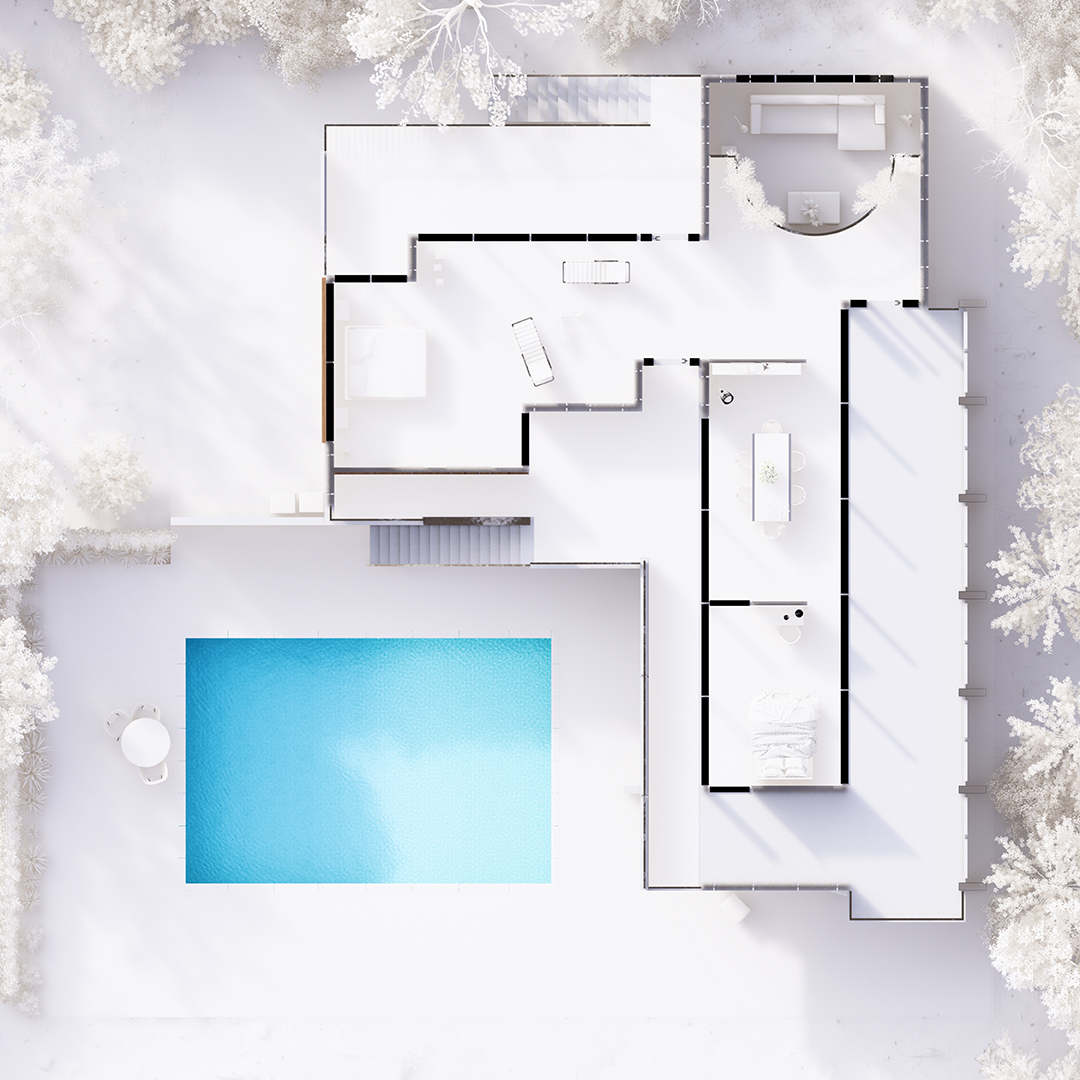
One Lumion Pro feature that’s really changed how I work recently is fill-in clipping planes.
It’s made it much easier to bring plans to life in a way that still feels clear and diagrammatic, but with more depth. I can show how a floor plan sits within the full context of the site, which makes things like circulation and the relationship between interior spaces and the landscape much easier to understand. It kind of bridges that gap between a flat diagram and a full render.
And then when it comes to sharing the work, Lumion Cloud has been really helpful. It gives me a straightforward way to present things, gather feedback, and keep everything in one place, so conversations around the design feel a lot more natural and connected.