Lumion Pro 2026.1
See what's
new
See what's
new
Keep your ideas flowing with the latest version
Lumion Pro 2026.1
Keep your ideas flowing with the latest version
From a fuller scene to a consistent presentation to a setup you never have to rebuild — the latest version of Lumion Pro takes friction out of every stage of your workflow.
Lumion Pro 2026 removes the repetitive production work between your 3D model and final presentation. Build scenes faster, reuse the setups you already trust, and present every output at one quality — including ray-traced 360° views your clients can step inside in VR.
Discover everything new in 2026, in one place.
Getting a scene to feel complete shouldn't mean hand-placing thousands of items or hunting for the right textures. Lumion Pro helps you fill landscapes, refine surfaces, and build richer environments faster — with less manual work.
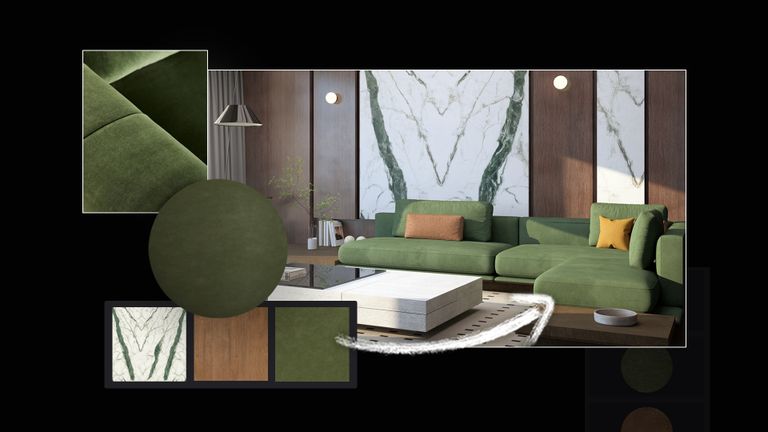
Customize surfaces with the new pattern editor. Apply tile layouts, brick bonds, herringbone, and geometric patterns directly onto compatible materials with 25 presets.
Adjust width, length, rotation, and offset, and see the result update in real time. The base texture lines up to the pattern on its own. No texture hunting, no imports.
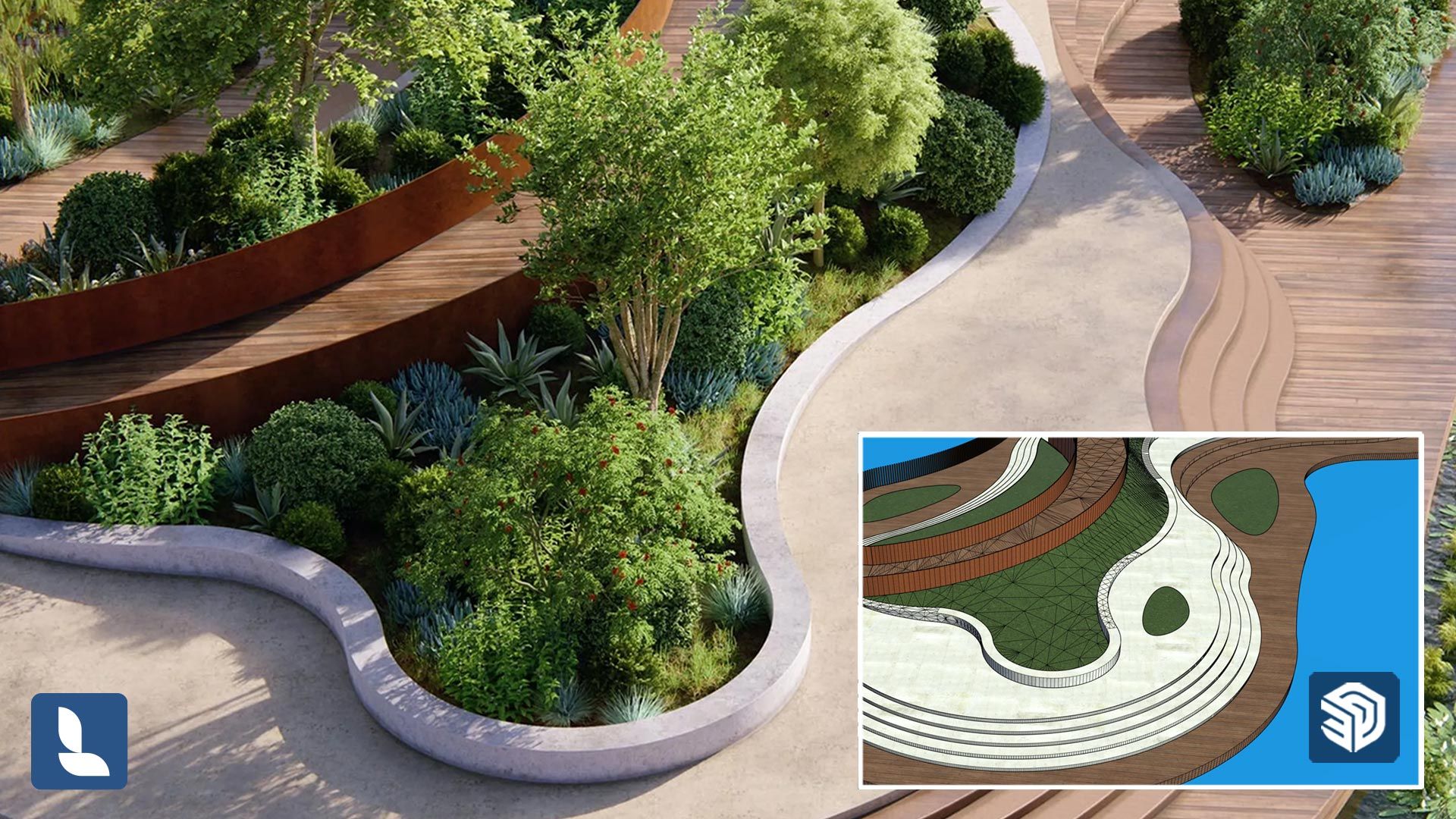
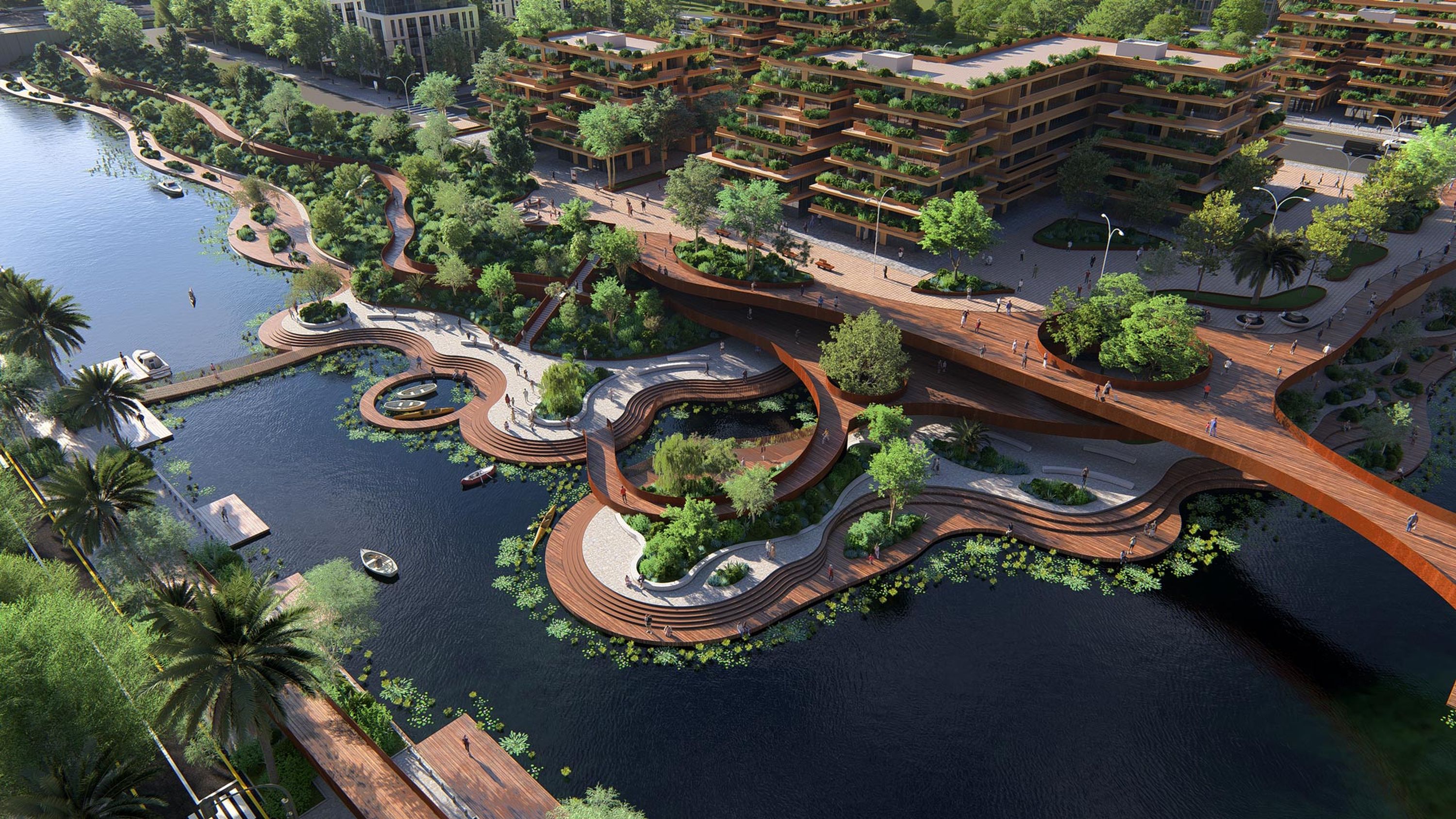
The new area placement tool lets you populate any large or irregular outdoor space with up to 5,000 nature items across 20 asset types. Perfect for masterplans, gardens, public spaces and large developments.
Select a surface or draw a shape, preview the density, place in one click. Control spacing and overlap to balance trees and underbrush for a faster, polished result.
Discover 300+ refreshed 3D models so your everyday project context looks sharper and more consistent, straight out of the library.
95 new and updated outdoor garden props for building detailed outdoor and lounge spaces.
A set of 96 nature assets including favorites like European Beech, London Plane, Scots Pine, Red Maple, and Weeping Willow, plus a collection of 45 spring vegetation assets featuring flowering trees and seasonal plants and flowers.
69 updated urban items that sharpen streetscape context fast, including street lights, bus stops, bollards, awnings, and fire hydrants.
40 revamped, high-quality materials across plaster, tiles, wood, metal, and more.
Billboard visuals. Minimal effort.
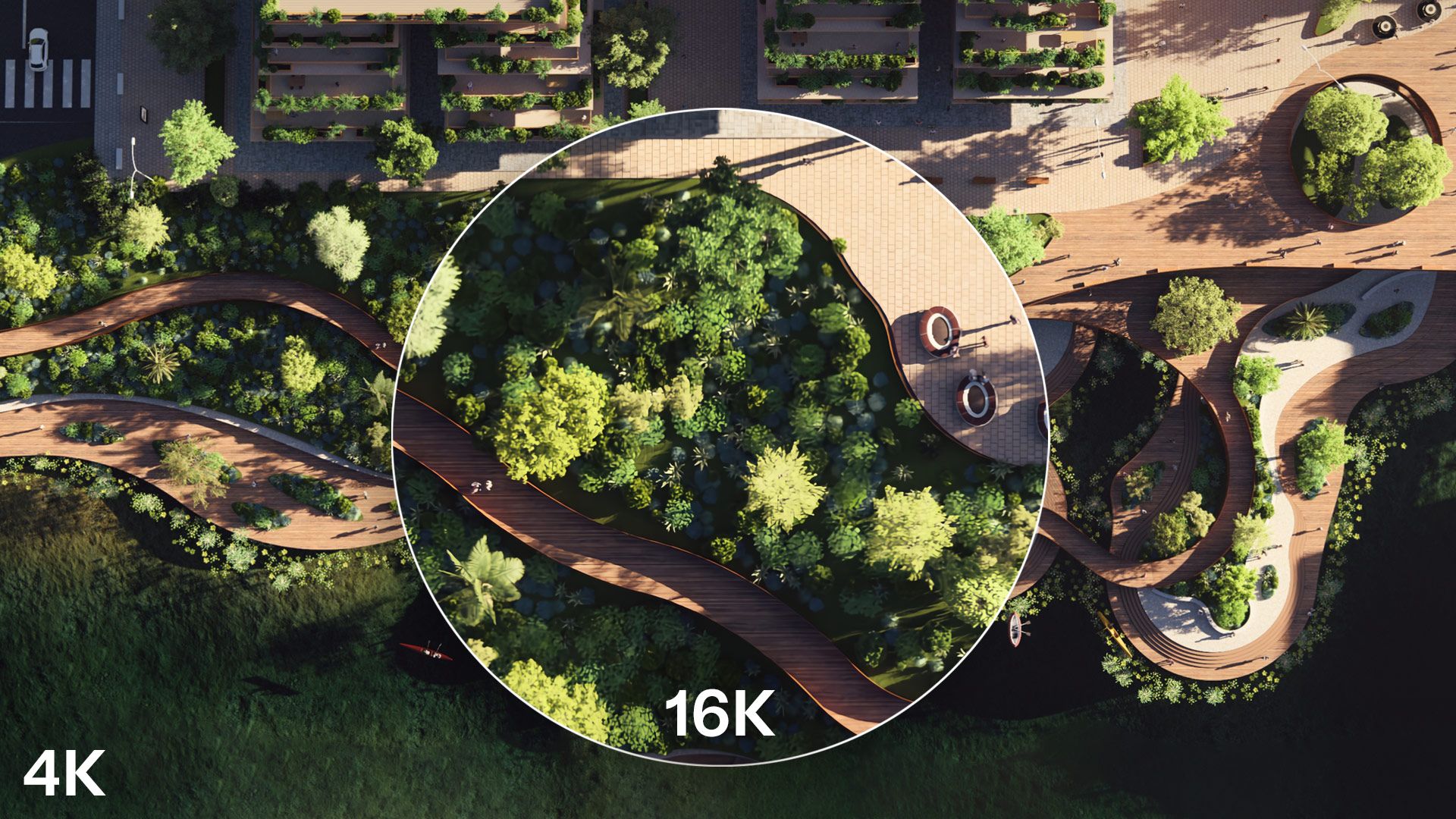
Produce crisp, print-ready images for boards, posters, banners, and billboards with the improved AI image upscaler.
Upscale with higher accuracy at 2x using both normal and depth maps, or choose the new 4x option for up to 16K output when you need maximum detail.
A presentation only lands when every part of it feels connected. These features close the gaps between your stills, your sections, and your 360° views. Show one coherent visual story, rendered at the quality your design deserves.
Parallax interiors are an efficient way to populate a building's interior without modeling every room on every floor.
Add realistic depth with the new selection of high quality residential, retail and office interiors to choose from. Or upload your own custom EXR files and store them as reusable library objects.
Ray-traced panoramas now carry the full quality of your best work with real light, accurate reflections, and a true sense of depth and atmosphere. Create immersive 360° views that give clients a true sense of the space you're imagining, from every possible angle.
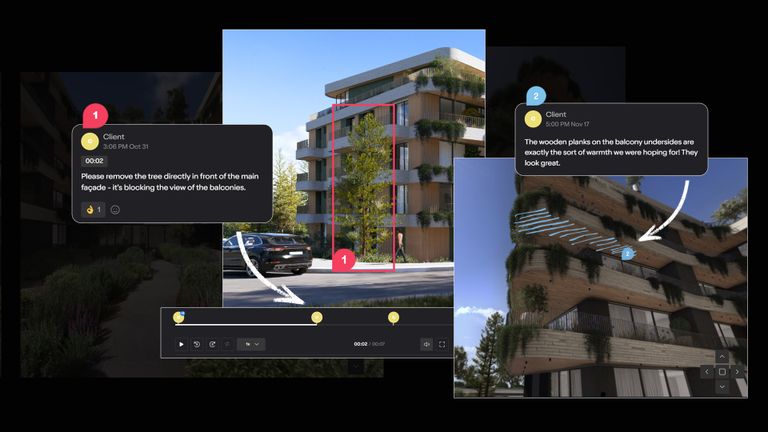
The most-requested panorama upgrade, finally here. Upload panoramas to Lumion Cloud and share them instantly for browser-based VR walkthroughs. No installs or extra setup required. Just ask the client to click and step inside.
When projects get bigger, your outputs stay organized.
More panoramas, more perspectives. Manage your immersive 360° views more effectively with up to 300 panorama slots per project.
Create folders in Lumion Cloud straight from Lumion Pro, and keep renders and iterations organized for faster sharing and smoother collaboration.
Clipping planes are perfect for explaining a design, but hollow cuts slow you down and make sections harder to read.
Now you can fill clipped areas in the clipping planes tool. Finish section views in Lumion Pro as diagram-style visuals and architectural drawings, without patching elsewhere.
Use a flat color for crisp, graphic sections, or apply a material to show the cut with more realism. Either way, you get cleaner sections that are ready to present sooner.
Explore the latest example scenes for a shortcut to great results. Each one is a polished setup you can open, tweak, and reuse — showing Lumion Pro's tools and effects in context.
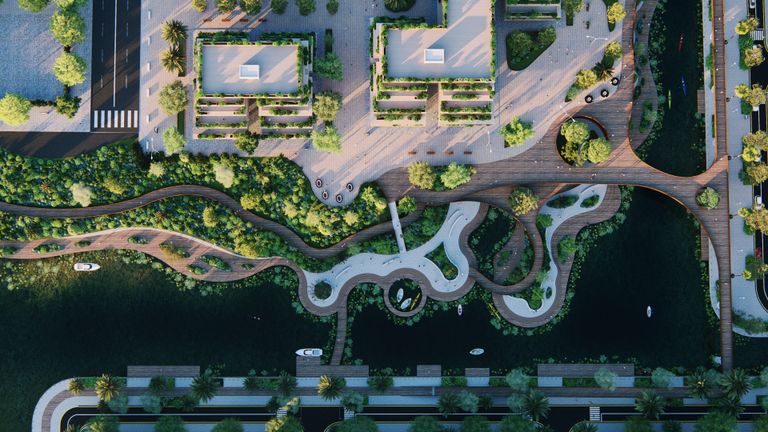
An organic urban scene brought to life with movement, light, and parallax interiors.
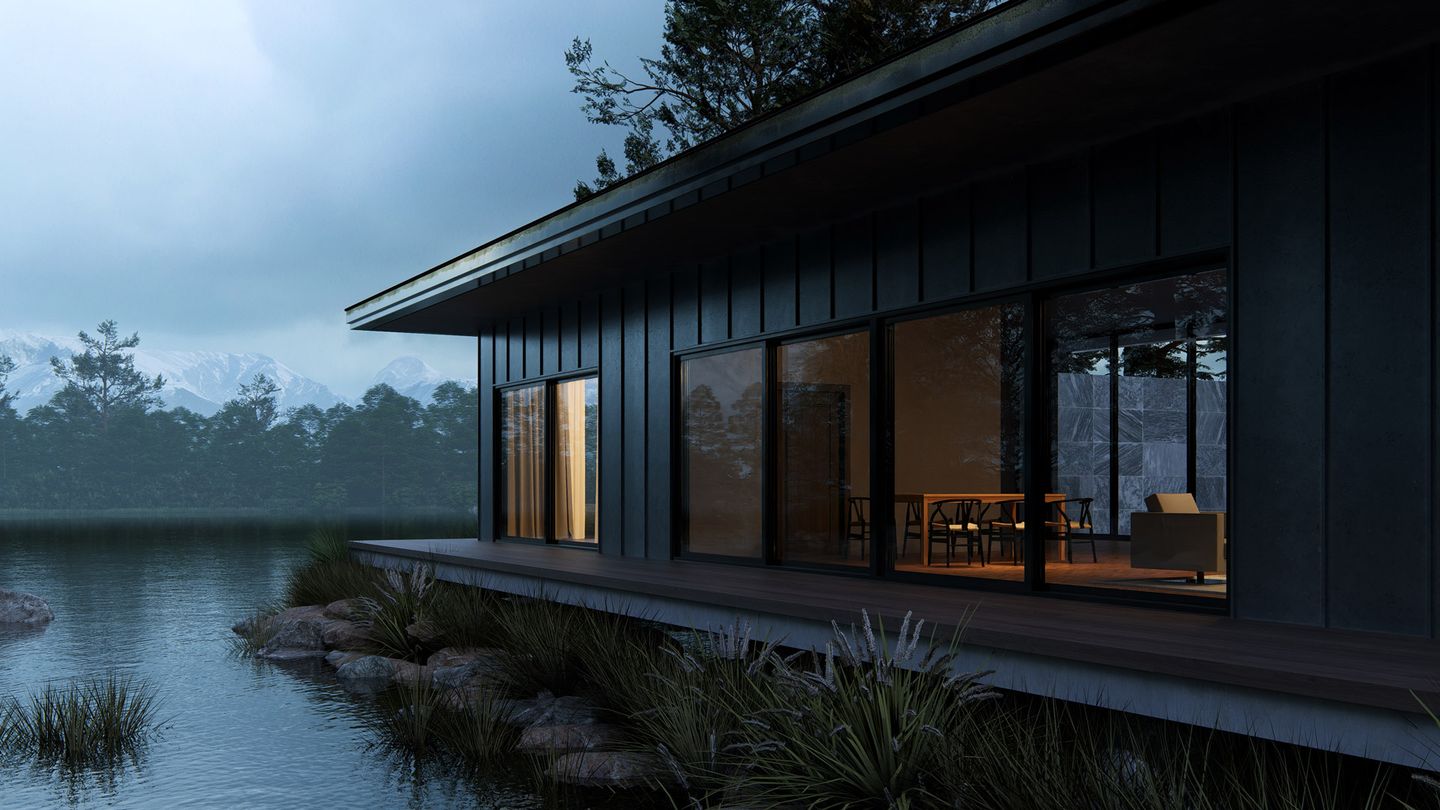
Warm coastal dwelling accentuated by volumetric sunlight and translucent materials.
Warm wood textures, soft shadows and cinematic animated elements.
A modern interior with layered lighting and a nighttime atmosphere.
Your starting line just moved forward.
Import PBR material maps into Lumion Pro from SketchUp, Revit, and Archicad with the free LiveSync plugin.