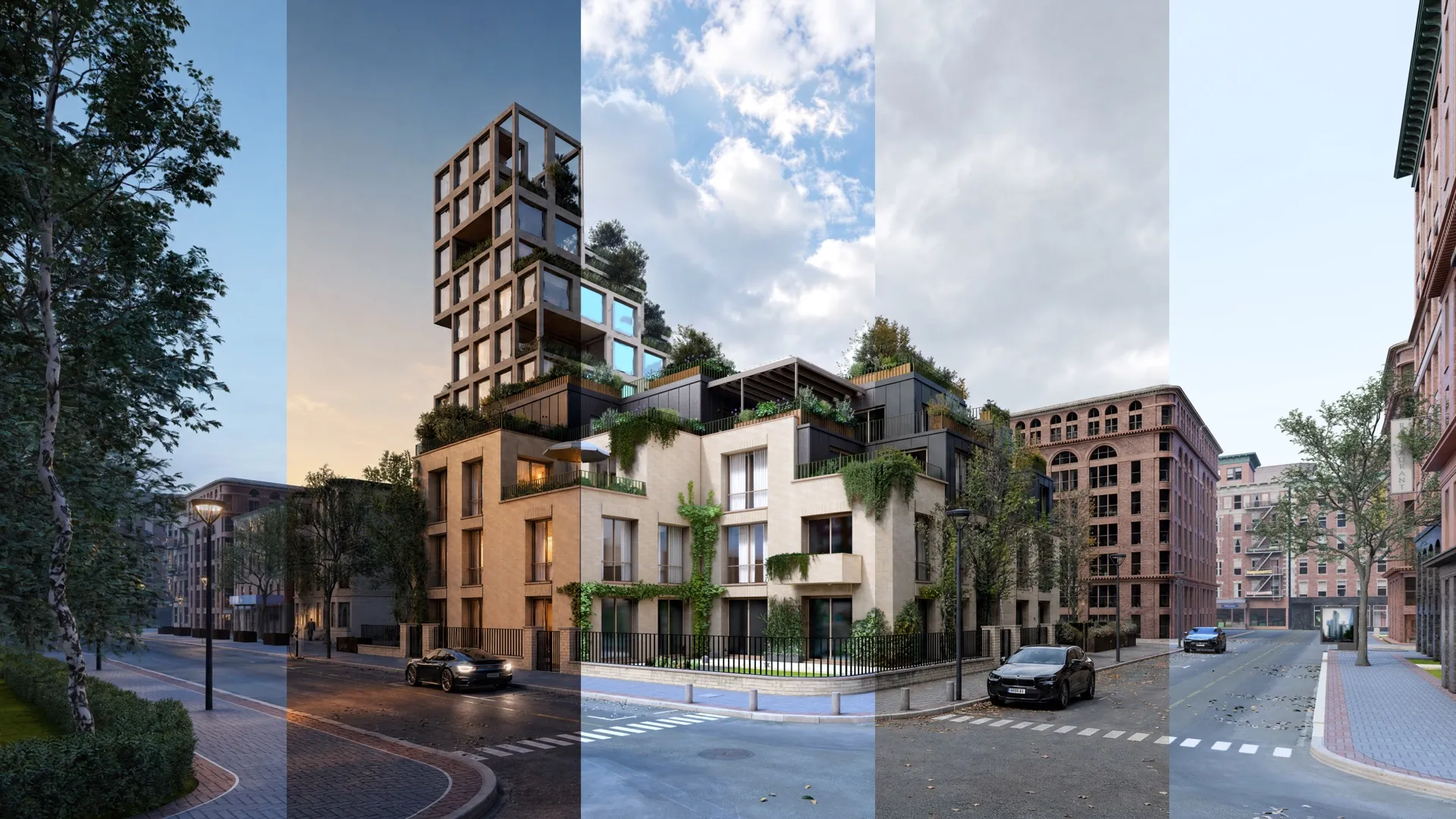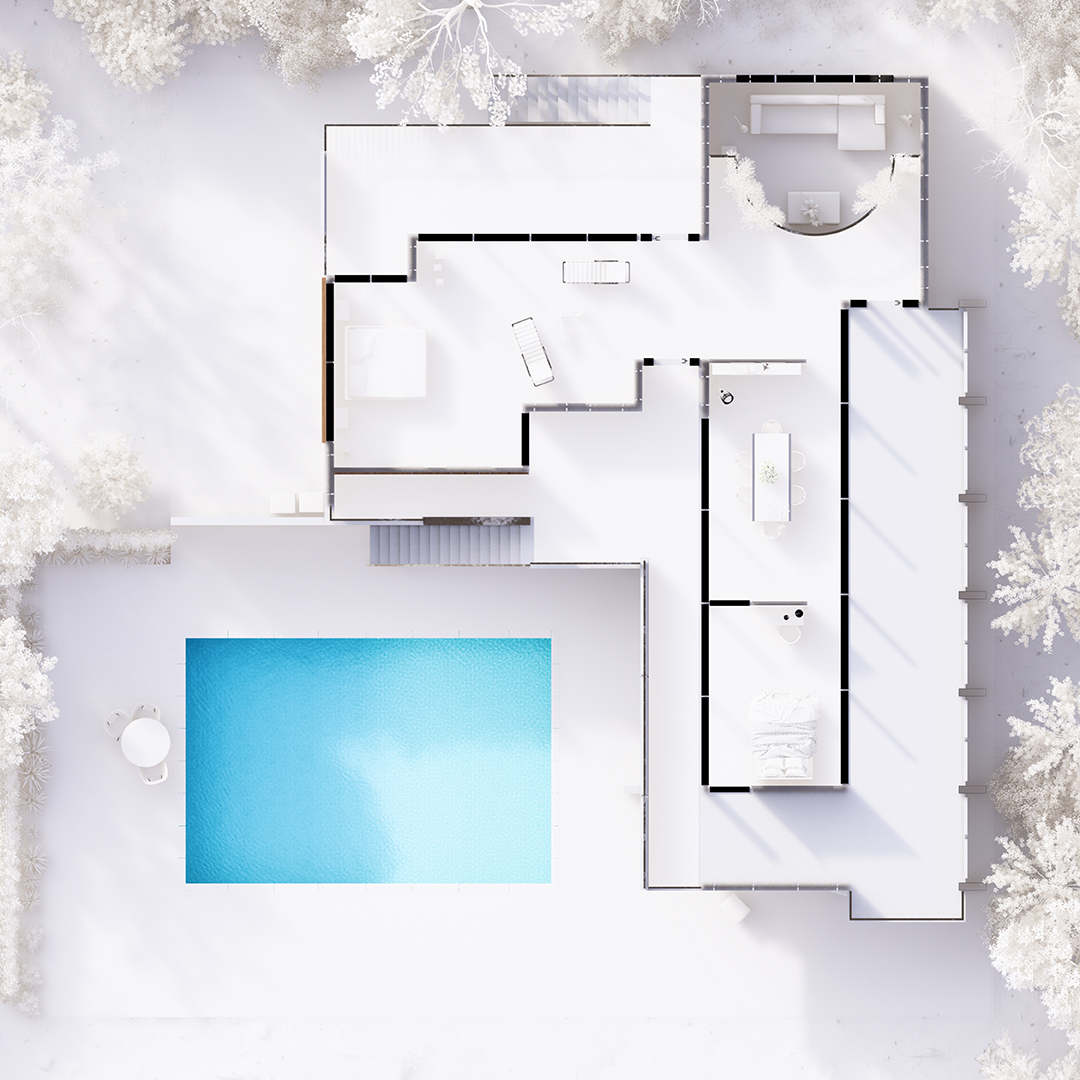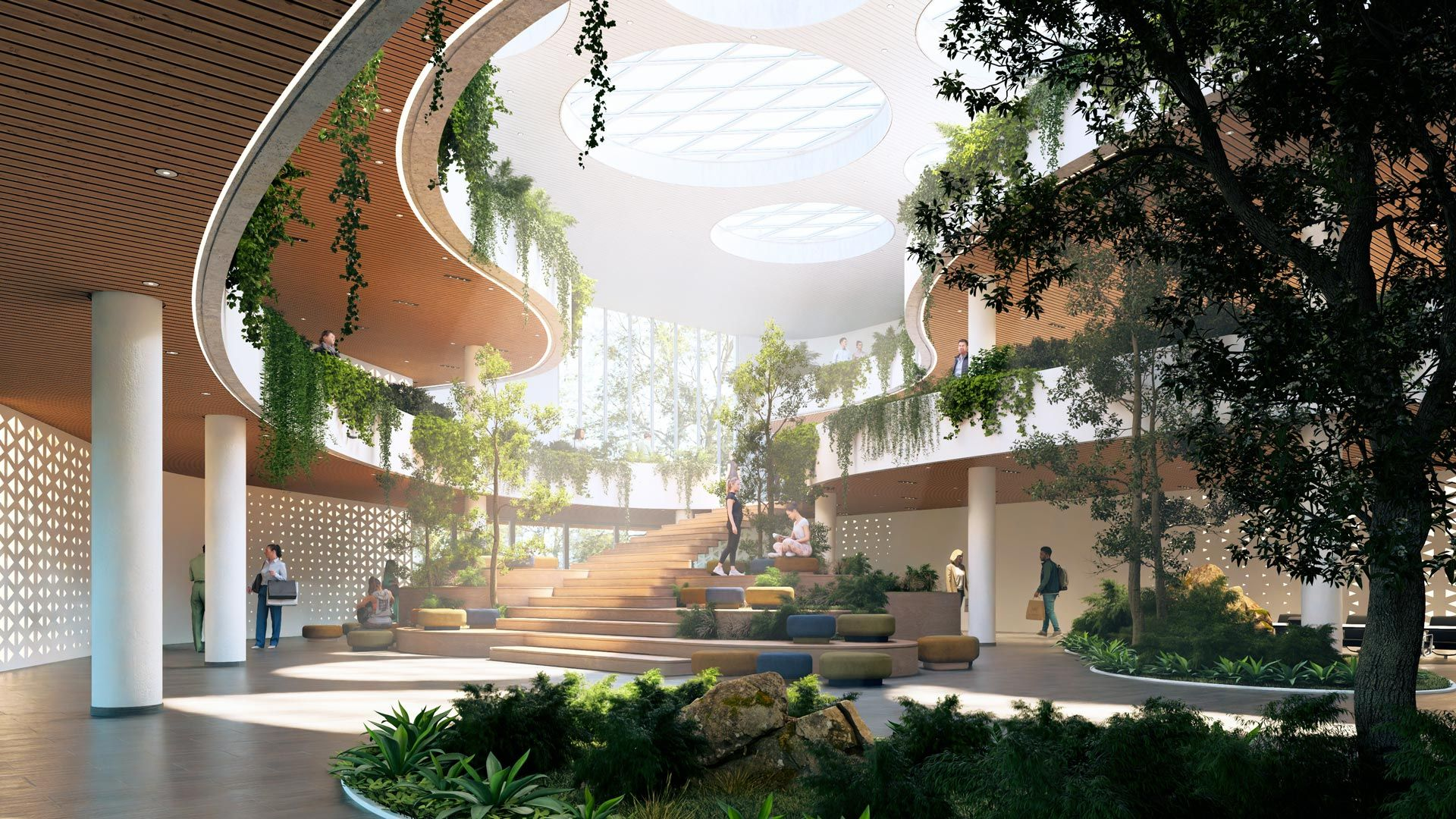
Create and develop live 3D diagrams
inside Sketchup, Revit, and Archicad
Sep 16, 2026

Turn diagram creation into part of your live design process
Diagrams explain what technical drawings and renders can't. They show how a project works, how people move through it, and why key decisions were made.
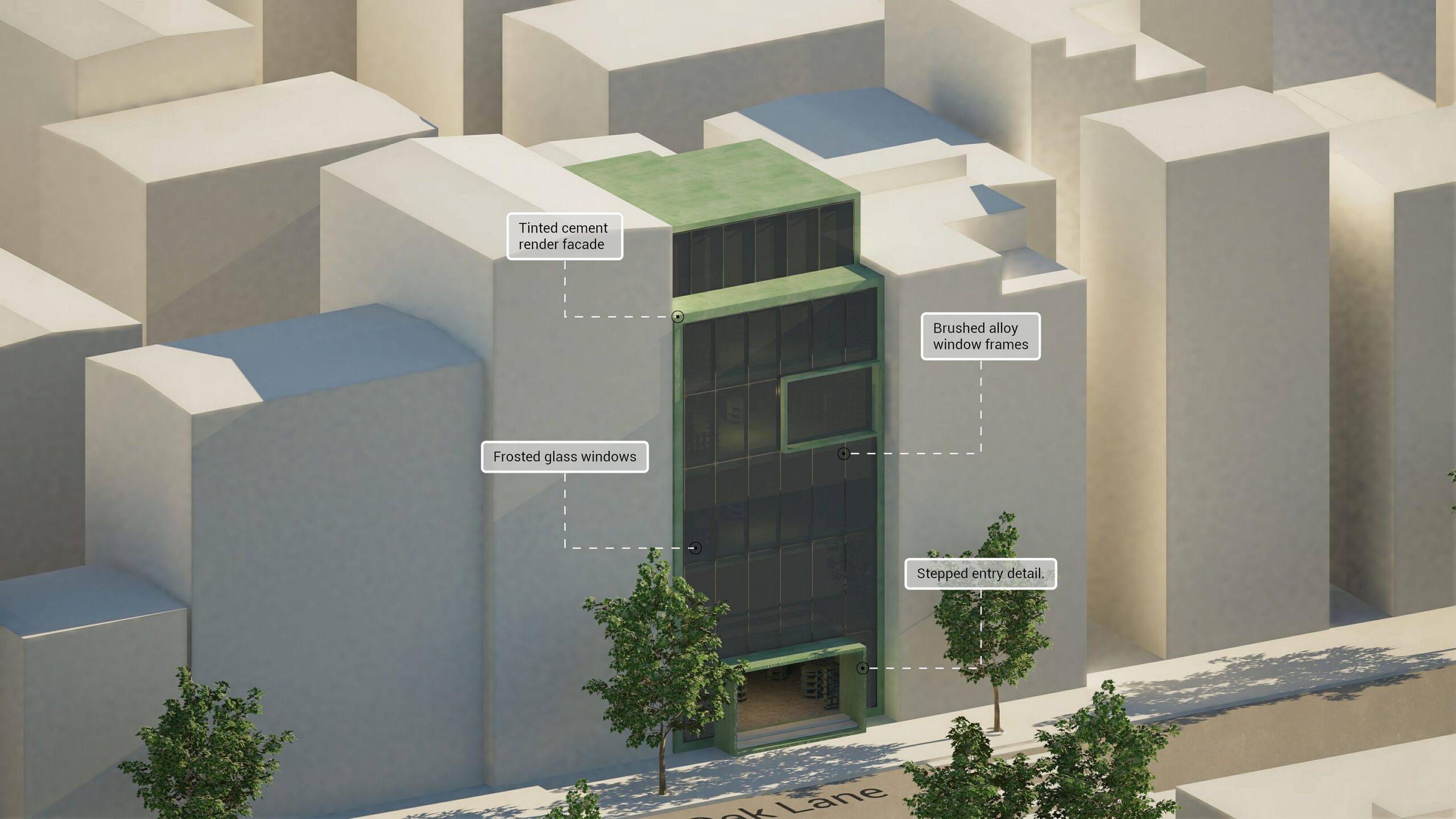
However, creating them has always meant leaving the 3D model behind. Architects export fixed views, rebuild them in graphics software, and repeat the process every time the model changes.
Meet Axogram. Lumion’s NEW live diagramming tool that works alongside your CAD or BIM application.
With Axogram, you can:
Explore different viewpoints and keep diagrams current as the project evolves
Test conceptual styles without touching the original geometry or materials
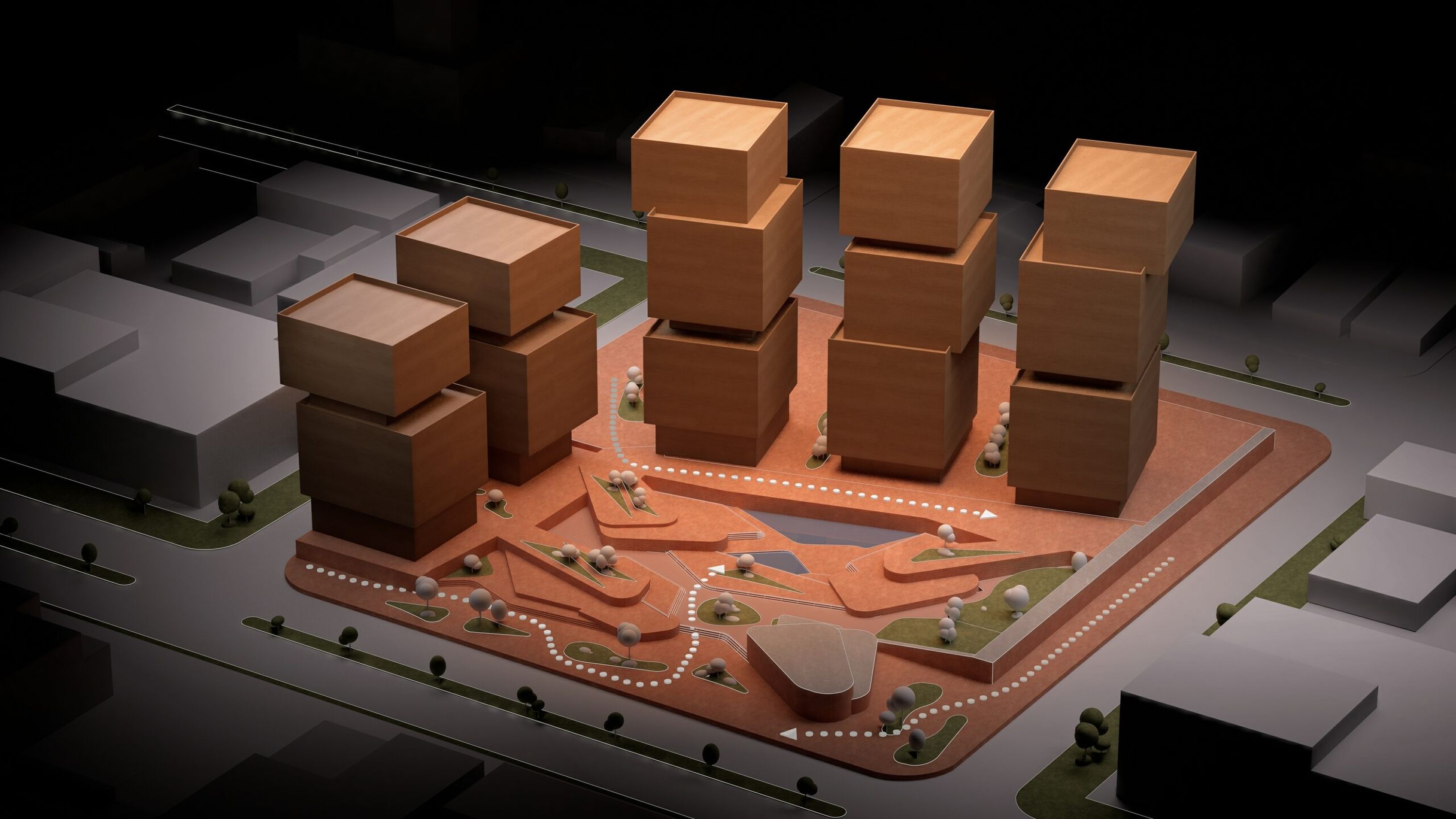
Add arrows, labels, zones, and styles directly around the model, in 3D.
Create, duplicate, organize, and revisit multiple diagram types in one project: basic, context, sequence, section, circulation, presentation
The result is less time spent exporting and rebuilding, and more freedom to explore and communicate the thinking behind your architecture.
What Axogram changes for you
Diagram as you work
Create and refine visual explanations directly around your live model.
Explain more clearly
Communicate intent, circulation, context, spatial relationships, and project development in 3D.
Explore without disruption
Test viewpoints, styles, and visual hierarchies without altering the source model.
Reduce diagramming rework
Spend less time exporting, switching tools, and rebuilding graphics after every model revision.
Availability and access
Axogram is now available for free:
SketchUp on Windows (macOS coming soon)
Revit on Windows
Archicad on Windows
With a free plan you can save up to 5 diagram views and render in full HD. For unlimited saved diagram views, up to 4K renders, with no watermark, choose a 1-year or a 3-year plan.
From diagram to discussion
Every Axogram subscription includes access to Lumion Cloud. Diagrams can be brought together with other project visuals, shared with clients and colleagues, and discussed in context.
Lumion Pro is not required to use Axogram. While Lumion Pro creates rendered images, animations, and immersive experiences that show how a project will look and feel, Axogram provides a dedicated visual language for explaining how and why it works.