Product news
Discover new features to save time and
keep projects moving
Feb 24, 2026

More flow, less friction
Working quickly shouldn't mean rushing or cutting corners. Even with a deadline approaching, you need room to think and iterate—with tools that remove friction and stay out of the way.
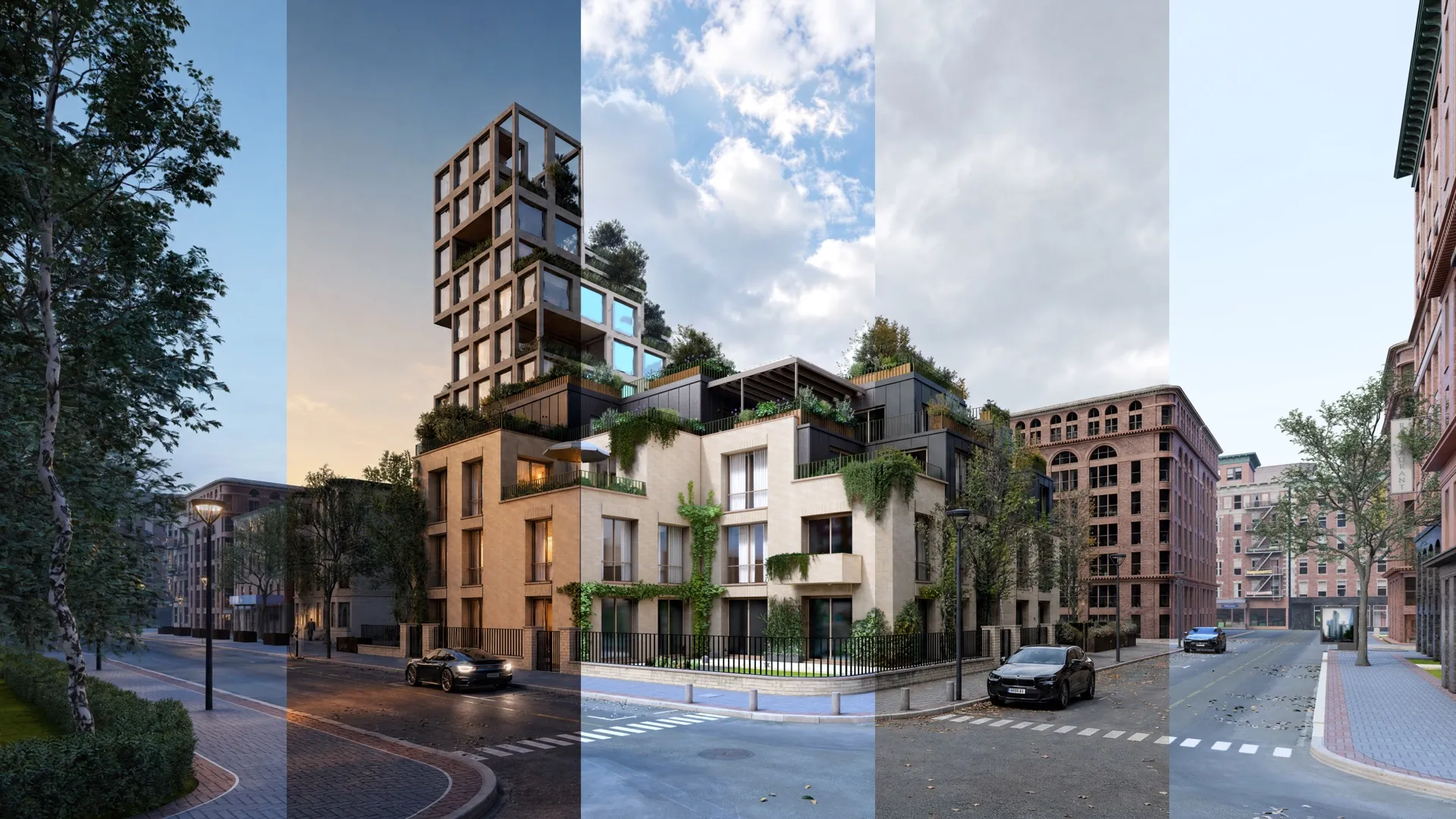
Lumion Pro 2026.0 focuses on speed that supports clarity, making workflows simpler, smoother, and easier to stay immersed in.
With new features like area placement and fill-in clipping planes, you can build scenes faster and produce clean sections, all without workarounds or unnecessary steps.
What’s new—at a glance
Area placement tool
Populate any large-scale outdoor space with up to 5,000 nature items of 20 different asset types—all in one go. See how it works.
New nature items
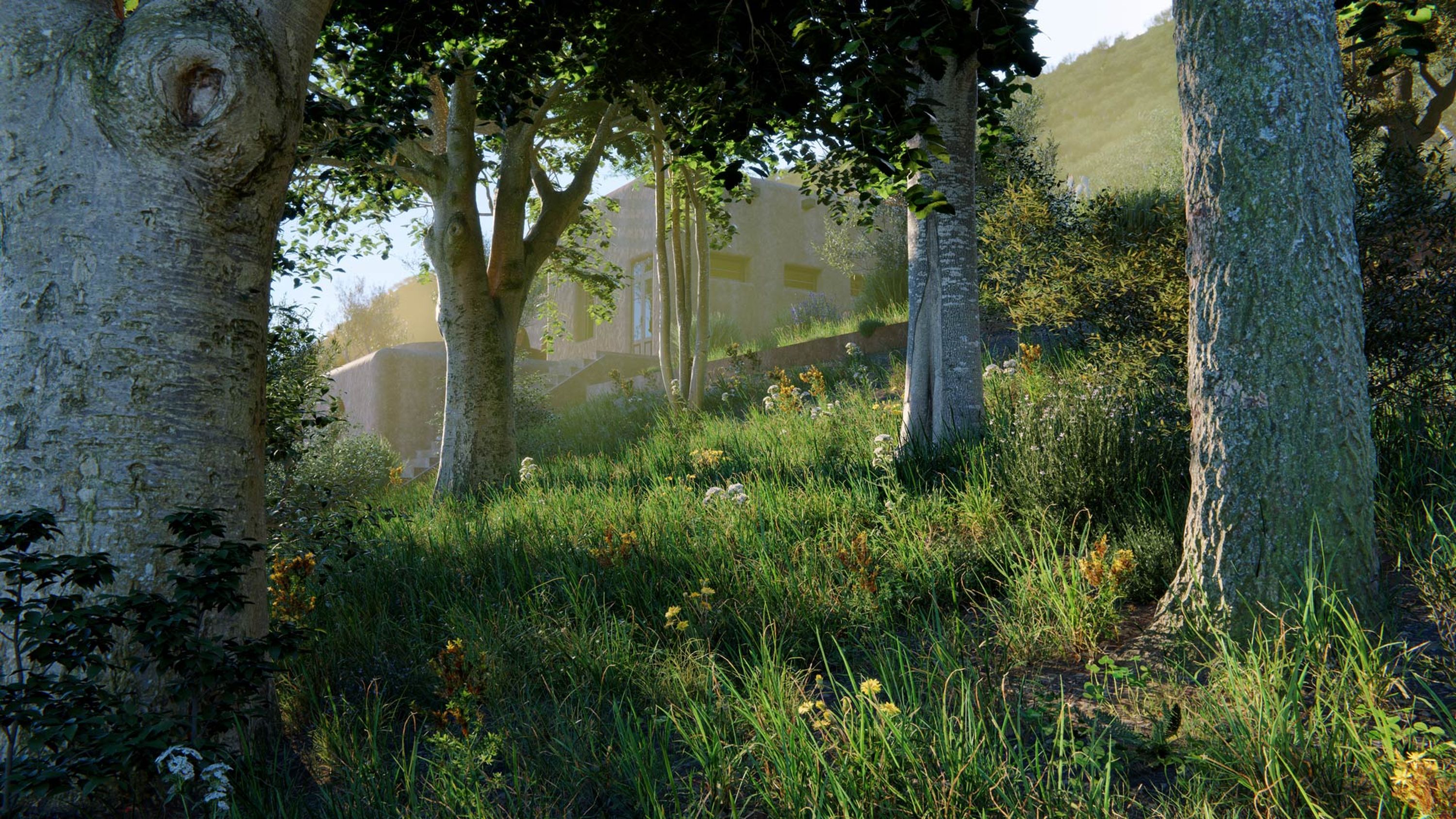
104 new nature assets: 73 photogrammetric trees and small plants, plus 31 tree variations. Browse selection.

Revamped library content
96 rebuilt nature models and 69 remodeled urban assets for your outdoor scenes. See examples.
New fill-in clipping planes
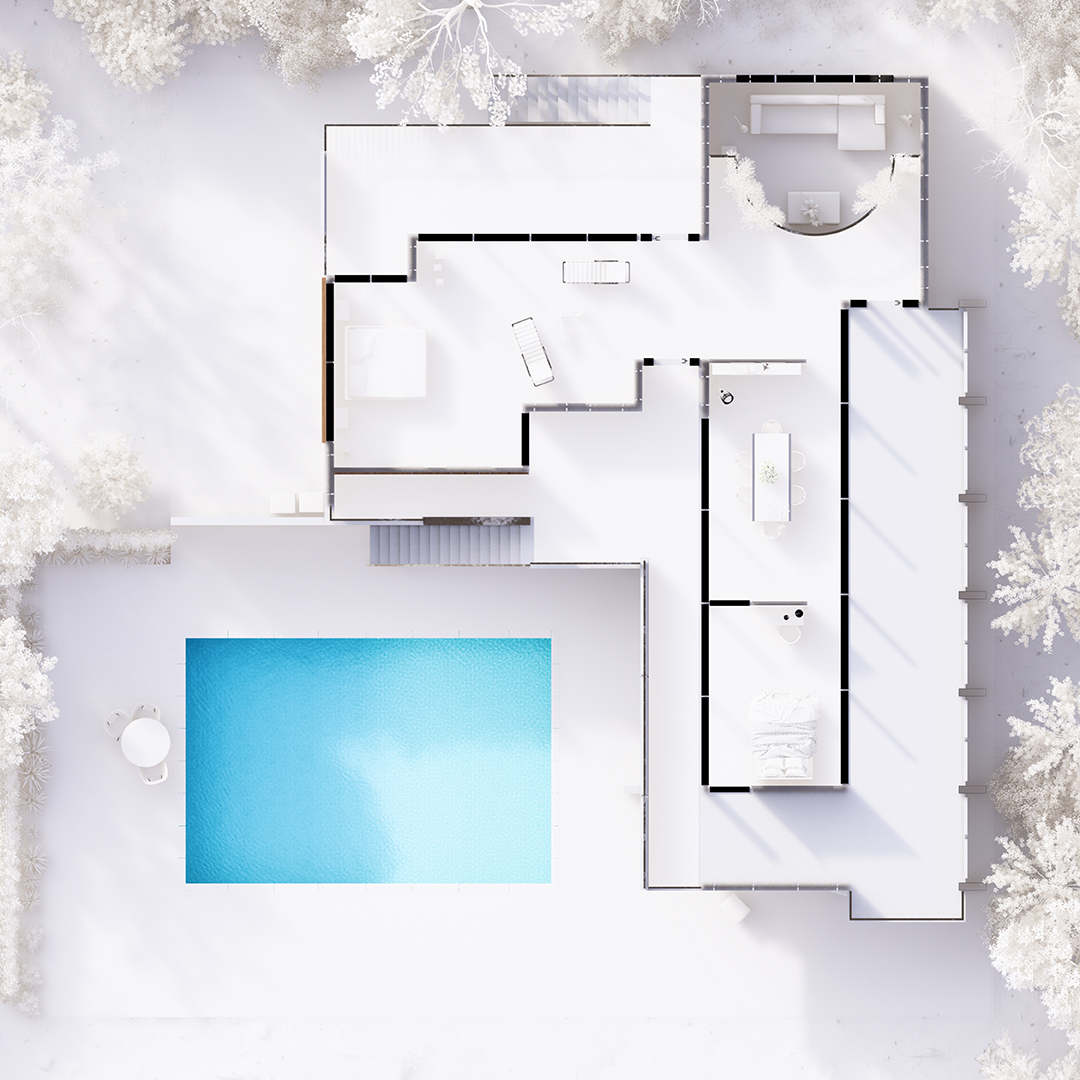
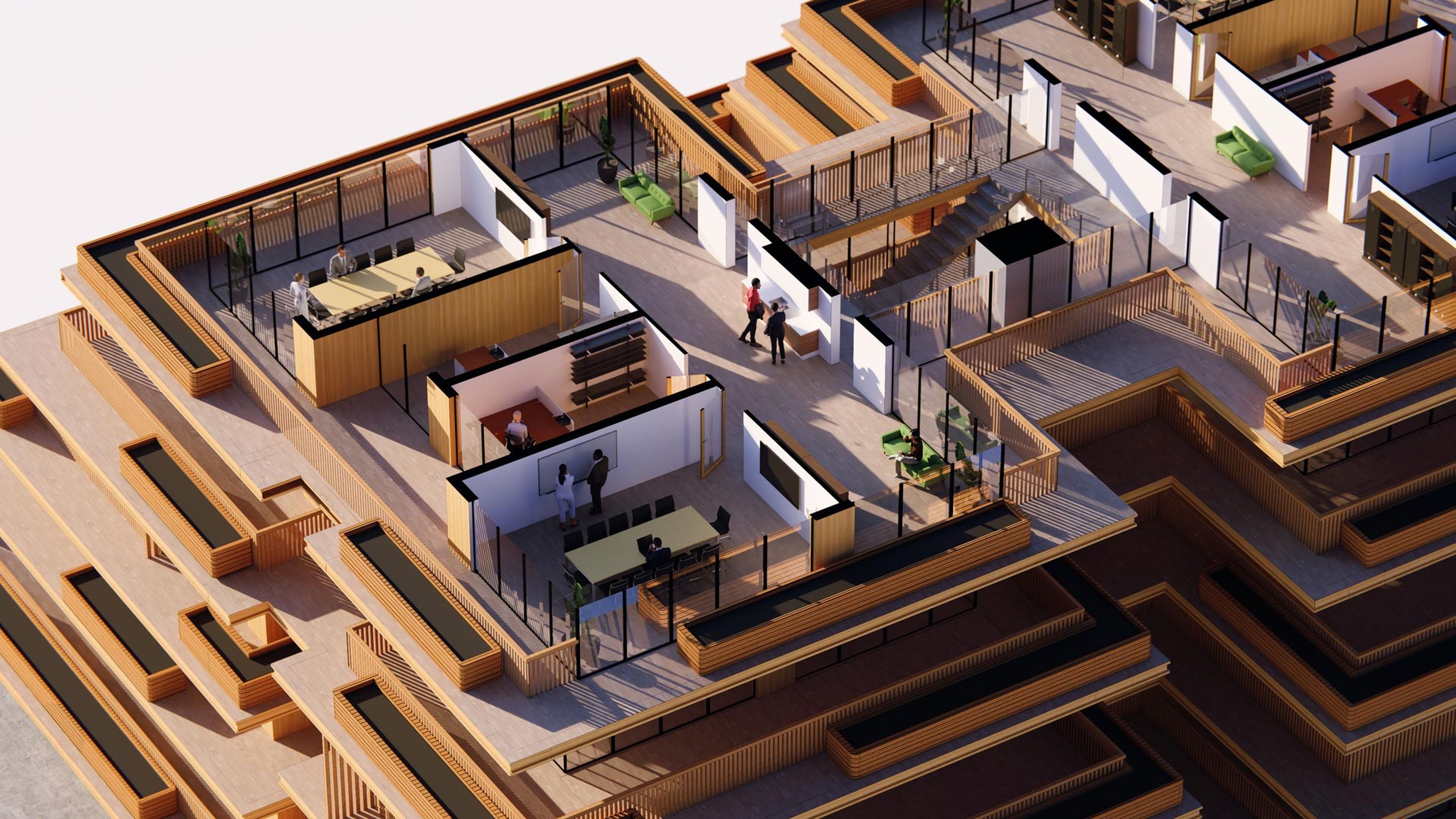
Fill in and color your clipped models for clean, presentation-ready sectional views—right inside Lumion Pro.

New example scenes
Get to know Lumion Pro’s capabilities the easy way, by exploring these 5 new example scenes, built by our very own visualization specialists.

New templates
Get a head start on scene building with 7 immersive new templates for common project types workflows.
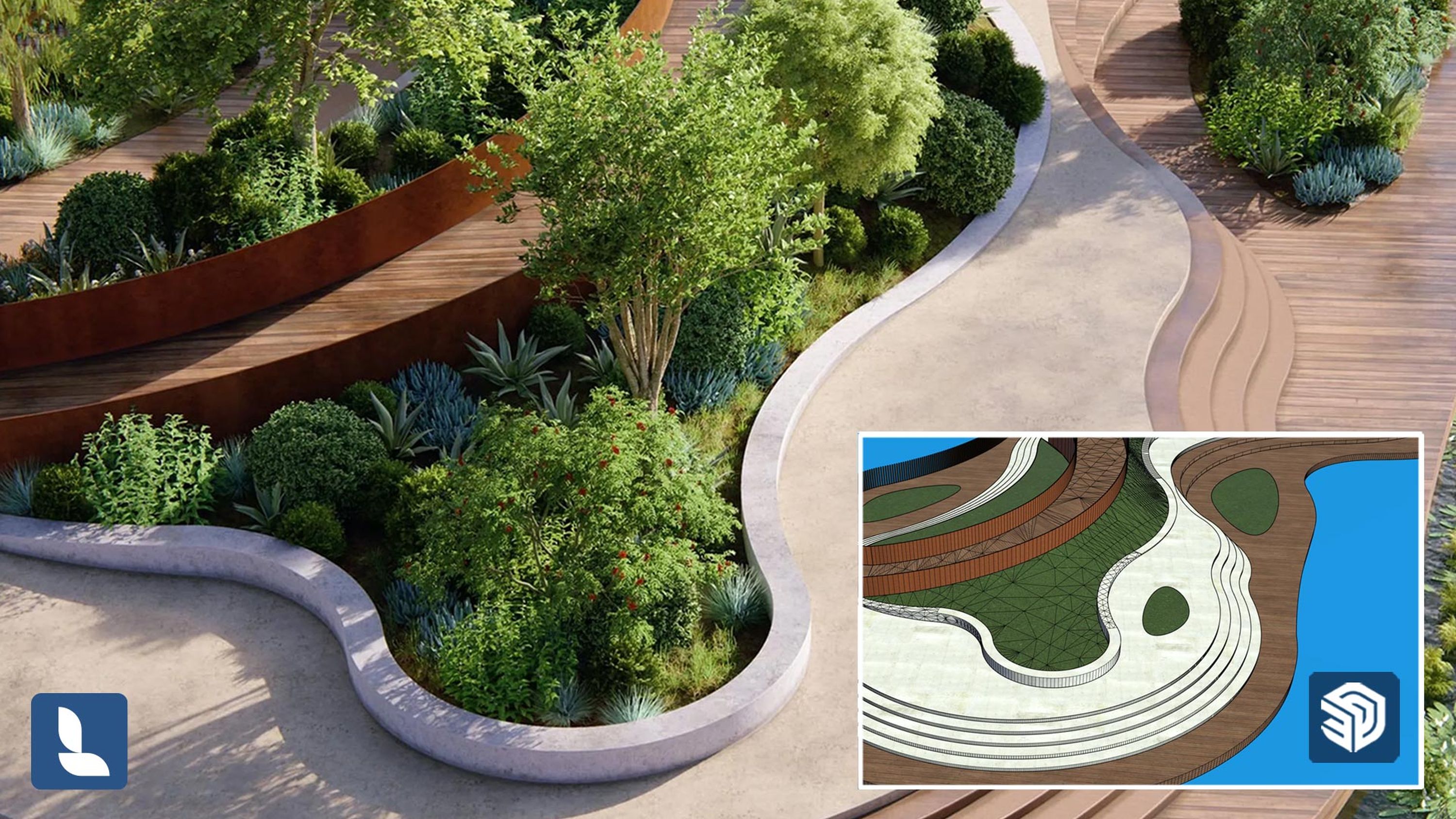
Import materials with LiveSync
Get set up straightaway—import PBR material maps straight into Lumion Pro with LiveSync for SketchUp, Revit, and Archicad.
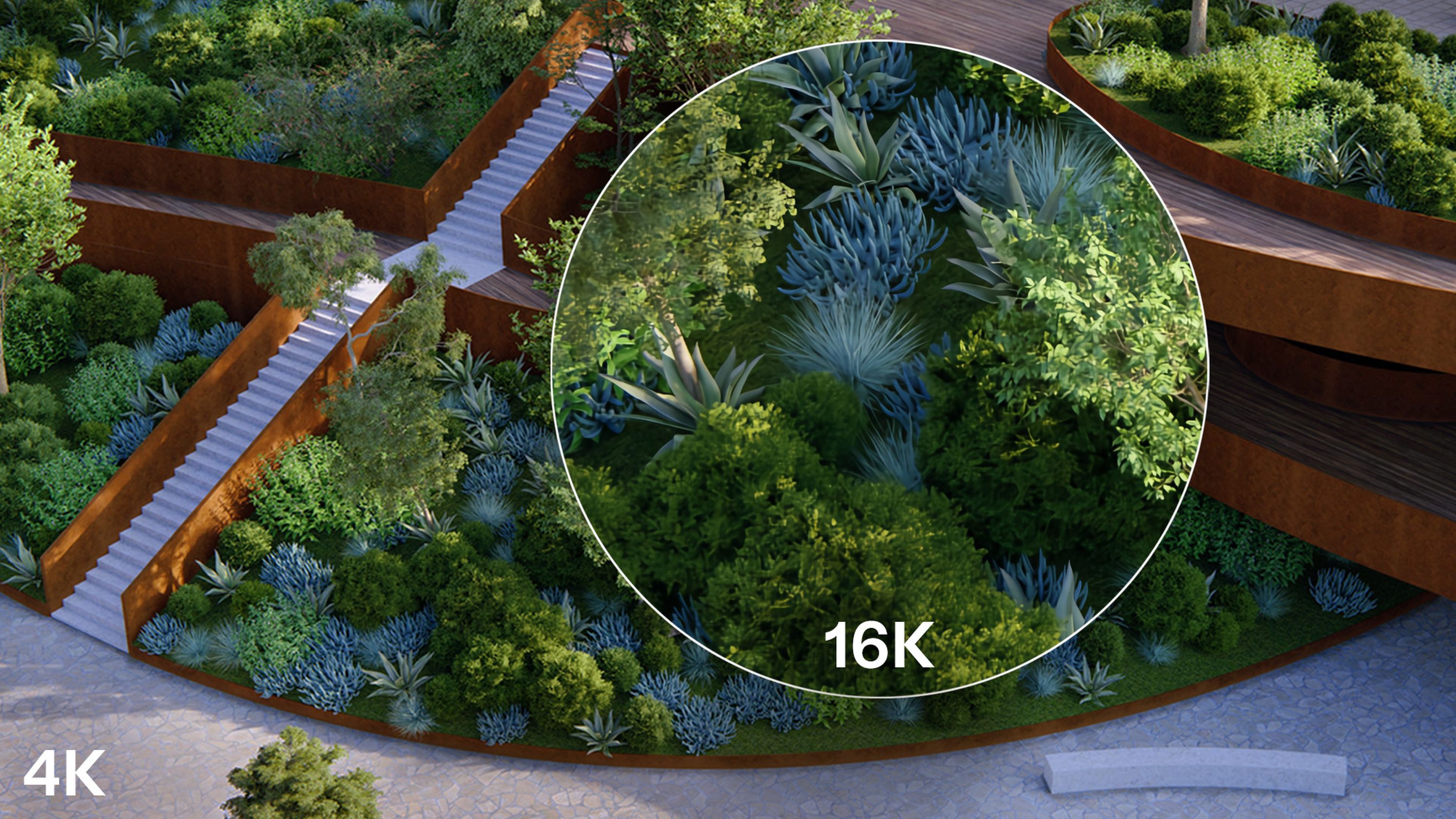
Improved AI upscaler
Create visuals of up to 16K resolution in seconds with the updated AI image upscaler in Lumion Pro.
Increased panorama slots
Tell your design story with even more panoramic viewpoints—create up to 300 panorama slots per project for your 360° renders.
Add folders to Lumion Cloud
Create and select Lumion Cloud folders for your renders right as you send them from Lumion Pro—no need to switch software.
Availability and access
Lumion Pro 2026.0 is available now as a free upgrade for Lumion Pro and Lumion Studio subscribers. For the best experience, we recommend to download the latest version from your Lumion Account and install. System requirements are unchanged from Lumion 2025, so you can upgrade with confidence.
Educational versions are coming soon.
How to get the latest version
Using an earlier version of the software? Switch to a Lumion plan to access Lumion Pro 2026.0 and the latest features, content, and updates.
Or start exploring all that's new with with a free 14-day trial—no payment details required.